


|
Getting your Trinity Audio player ready...
|
Simulated process printing is an intricate, high-quality method transforming the garment and screen printing industry. By enabling the replication of detailed, photorealistic images on textiles, it has significantly broadened the possibilities for fashion and textile design.
But what exactly is simulated process printing? How does it compare to other printing techniques, such as CMYK printing? This comprehensive guide delves into the world of simulated process printing to answer these questions and more.
Simulated Process Printing
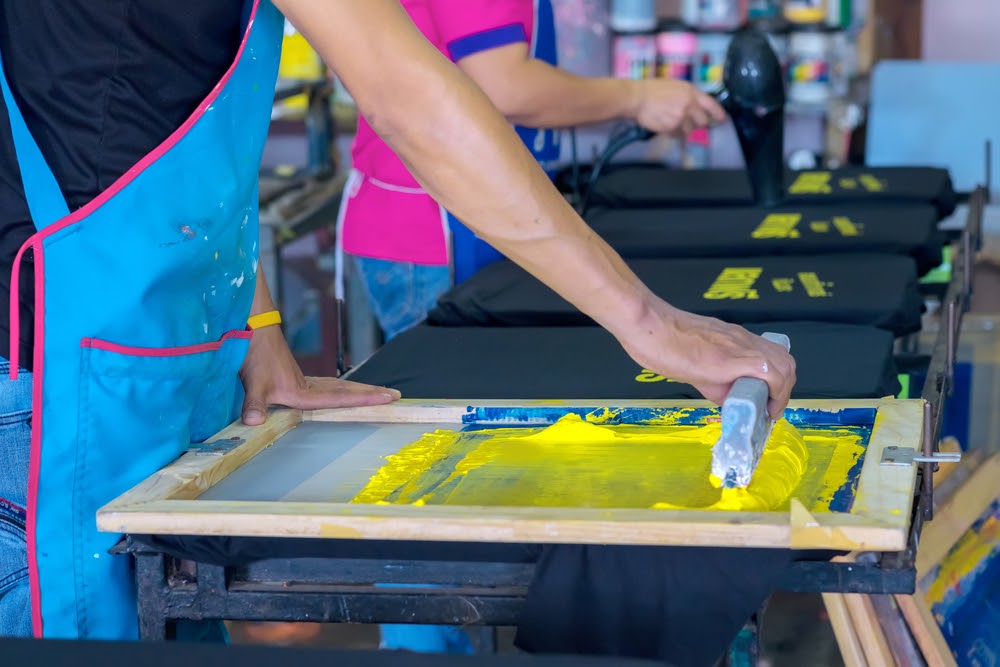
Simulated process printing is a technique that allows the creation of multiple colours using only a few screens. Instead of generating a single colour per screen, simulated process printing employs halftones and gradients to produce more colours in the final print.
Because any design or image can be printed on the fabric using simulated process screen printing, it is a wonderful method for creating custom clothing.
This printing method stands out for its ability to deliver high-definition prints without compromising the fabric’s feel or the design’s durability. While it might seem complicated at first glance, understanding its mechanics offers valuable insights into its application and potential in the screen printing industry.
This is the best option for anyone searching for high-quality, precise prints. Given its numerous benefits, it is not surprising that simulated process printing is gaining popularity.
Advantages and disadvantages
We must outline the benefits and drawbacks of selecting simulated process printing to make this comparison with CMYK equitable. Let’s take a look:
Pros
- It is the best option for printing photorealistic images comprising thousands or millions of colours.
- It is effective for procedures requiring more than two colours.
- Your prints will be sharper and more accurate as a result.
- It is less susceptible to smudging and fading over time.
Cons
- It requires additional training and practice to accomplish.
- Generally, it is more expensive than conventional printing methods.
CMYK vs. Simulated Process:
When it comes to full-colour image printing, both CMYK and simulated process are prevalent techniques. However, they offer different results and are suited for varying applications.
CMYK, which stands for Cyan, Magenta, Yellow, and Key (Black), combines these four colours in various proportions to produce a spectrum of hues. In contrast, simulated process printing deploys multiple spot colours, each contributing a unique shade to the overall design, resulting in richer and more detailed outputs.
Suggested Read: The Complete Guide to Sublimation Printing
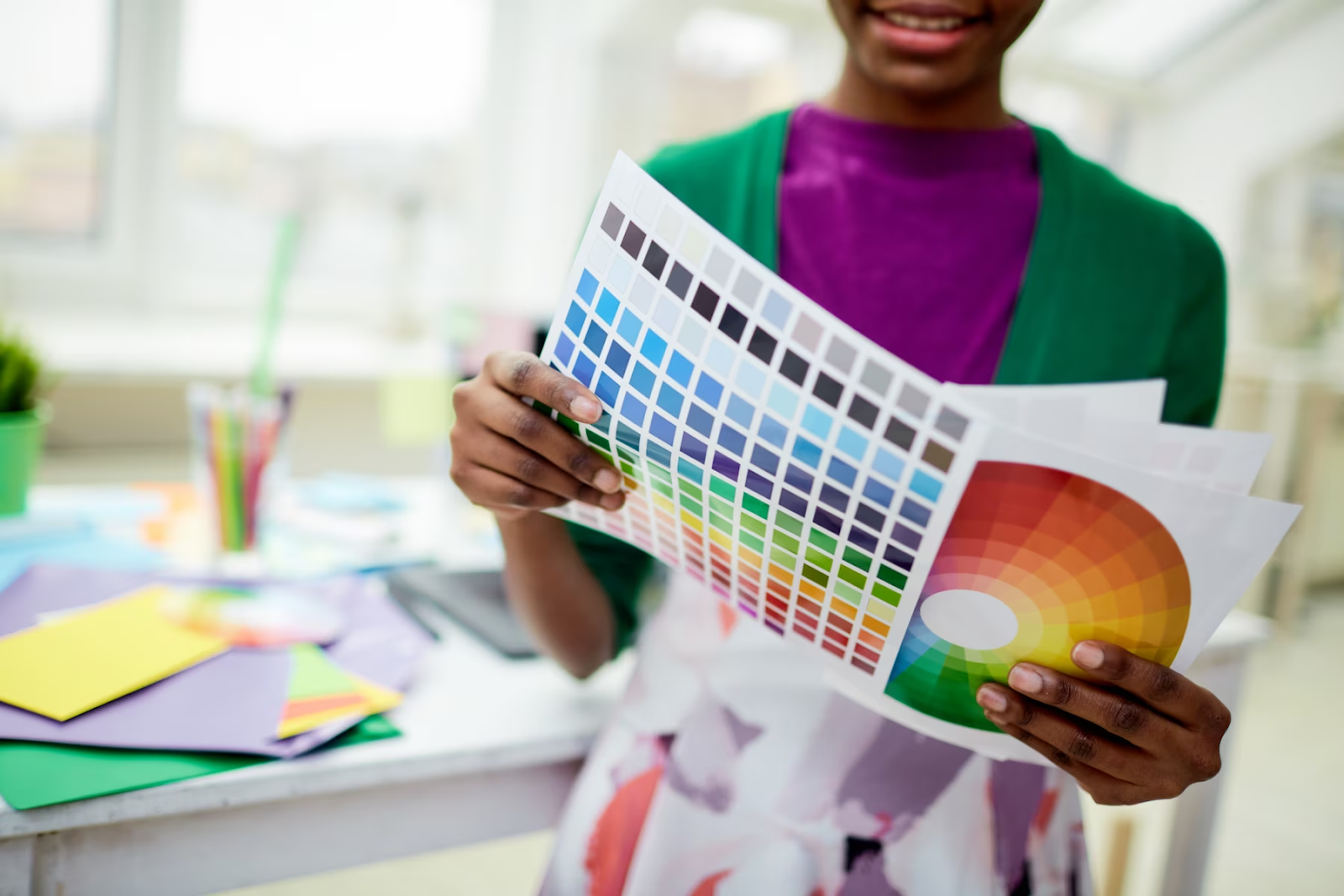
This quality makes simulated process printing particularly beneficial for dark-coloured garments, while CMYK is used for light-coloured ones.
Understanding the 4-Colour Simulated Process
The 4-colour simulated process is a variant of the simulated process printing method, employing four colours to create the entire design. Despite its limited colour palette, the 4-colour simulated process can still generate reasonably accurate, high-quality images.
This technique is often a go-to when dealing with simpler designs or when the printing project requires a balance between colour diversity and cost-effectiveness.
Simulated Process Colour Separations for Screen Printing
Colour separation is a crucial step in simulated process printing. This process involves dividing the original image into individual colours, which are then printed one by one onto the garment. Each separated colour forms a layer, and these layers recreate the original design with high precision.
Colour separation is significant for accurate colour matching, a vital aspect in maintaining the integrity of the original design during the printing process. Therefore, mastering colour separation often is a hallmark of a skilled screen printer.
RGB vs. CMYK Printing
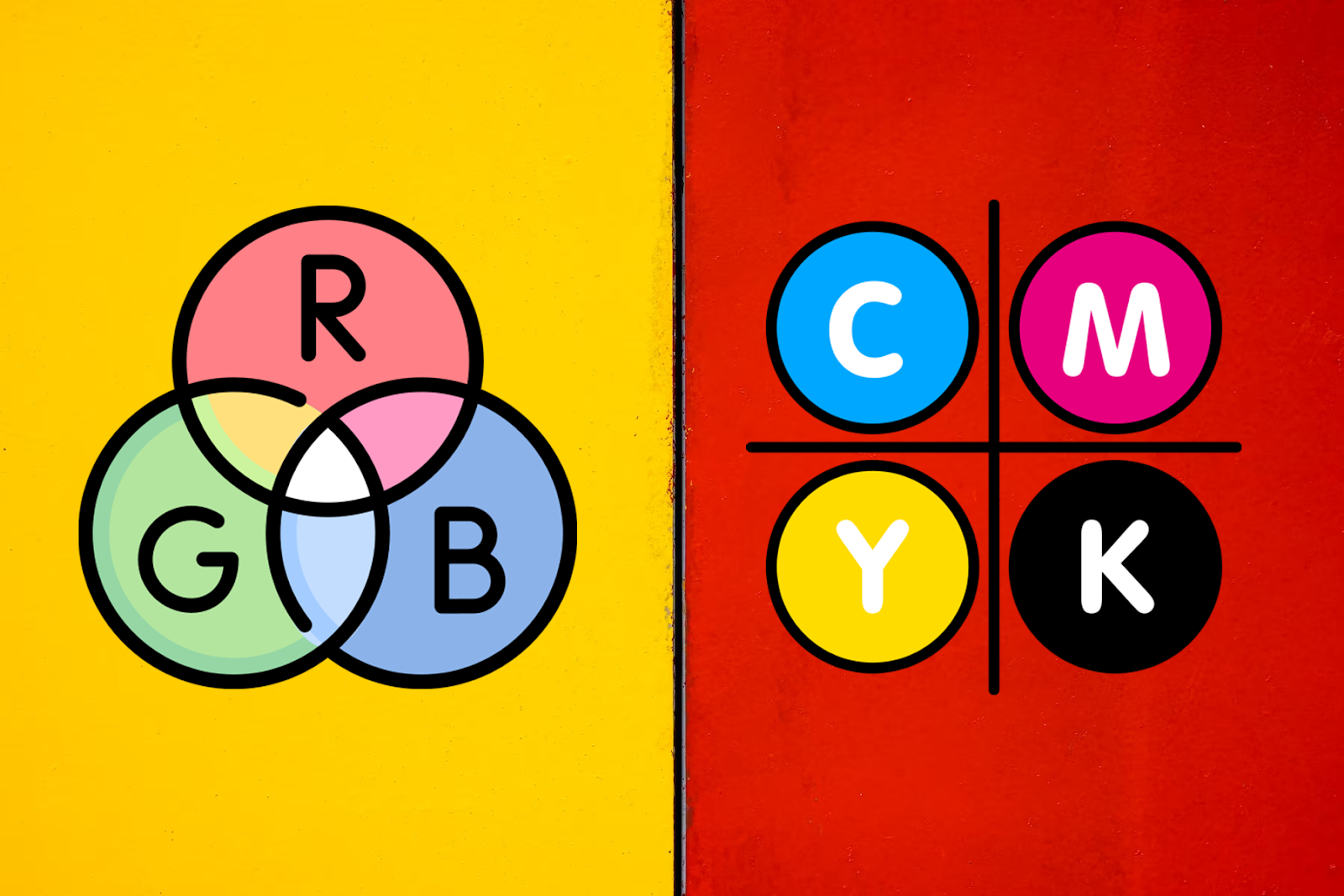
The printing world often throws around terms like RGB and CMYK, each representing a different colour model. RGB stands for Red, Green, and Blue, and the standard colour model for digital displays, such as computer screens. On the other hand, CMYK is the standard for print mediums.
Colour range
RGB offers a broader spectrum of colours than CMYK, making it suitable for digital designs intended for screen display. However, if you’re working on a print design, opting for CMYK would yield more accurate results since it aligns better with the colour capabilities of most printers.
Choosing to Work in RGB or CMYK
Whether to work in RGB or CMYK often depends on the end use of your design. For designs destined for digital screens, RGB provides a broader range of colours, allowing for more vibrant and diverse designs. However, when designing for print, working in CMYK from the start can give a more accurate preview of how colours will appear in the final print.
This approach can save time and resources, making the transition from design to print more seamless.
Conclusion
Simulated process printing has carved its niche in the multifaceted world of screen printing and design, promising high-quality, intricate, and full-colour designs on various coloured garments. Its nuanced approach to colour separation and layering offers a remarkable depth and richness to printed designs, making it a favoured technique among screen printers and designers alike.
Related Links:
- Essential Equipment Needed for T shirt Printing
- Making the Right Choice: Digital vs Offset Printing
- Screen Printing vs. Dye Sublimation: Which is Better?
Image Source: Shutterstock